

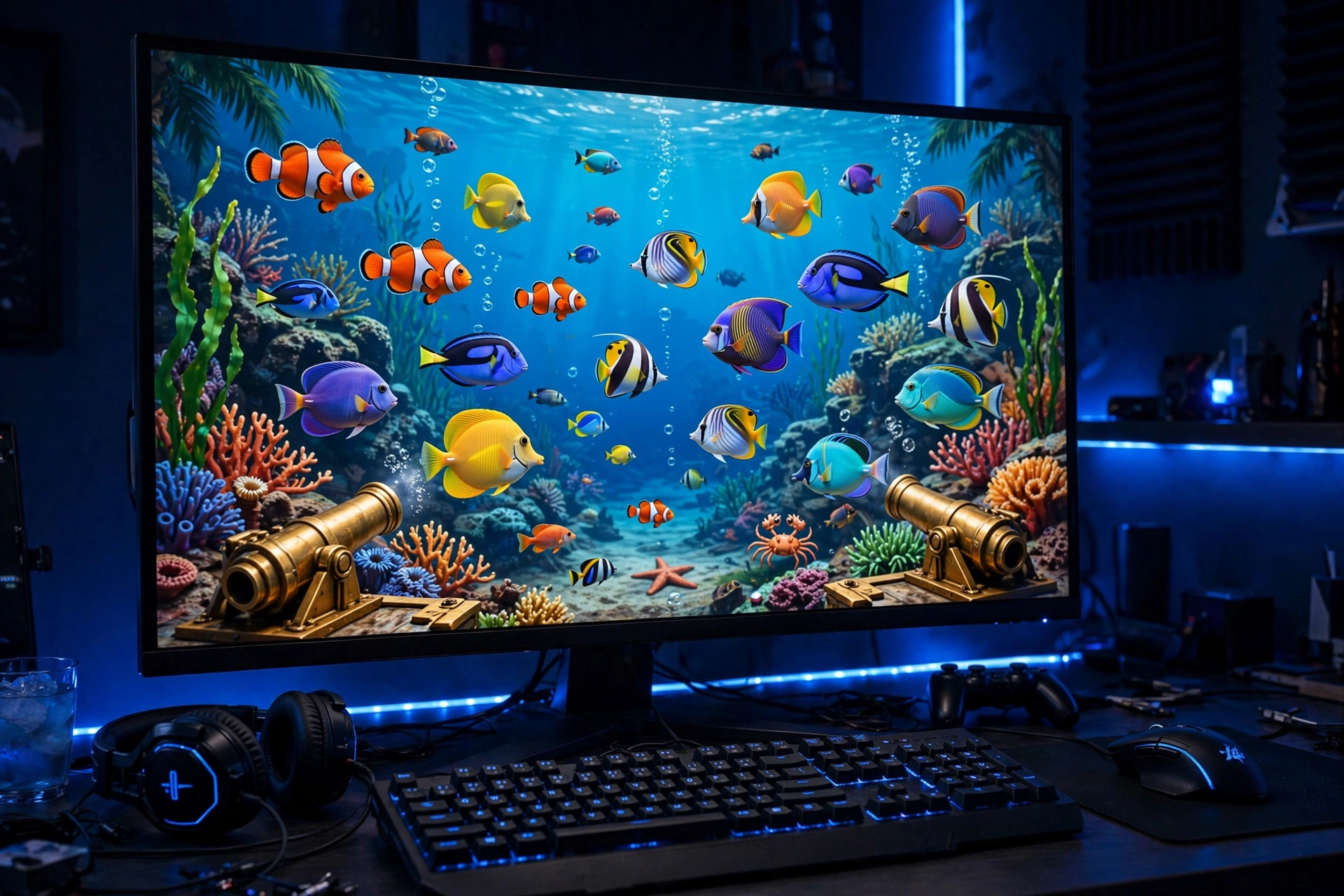
Most players start Orion Stars on their phones, and that works great. But a growing number of our regulars do their serious play on a computer, and once you try it, the reason is obvious. Fish table games on a big monitor are a different experience: you see more of the table, you track fast fish without squinting, and your aim gets noticeably better.
We run an Orion Stars sweepstakes platform for US players, and this guide covers everything about playing on a Windows PC or a Mac. The short version: there is no software to install. You play in your browser, with the same account and balance you use on your phone.
Do you need to download anything for PC?
No. There is no official Orion Stars PC client, and you should be suspicious of any site offering a downloadable “PC version.” The games run in any modern browser: Chrome, Edge, Firefox, or Safari. Open the site, log in, and play.
This is the same browser play our phone users rely on, and it is the safest way to play for exactly the same reasons. No downloaded file means nothing that could have been tampered with, no fake installers bundled with malware, and no updates to manage. If you want the full story on why downloads are a risk in this space, our Orion Stars app download guide breaks it down.
Why a bigger screen helps, especially for fish games
Fish table games are the headliner on Orion Stars: Golden Dragon, Kraken, Tiger Strike, Phoenix Strike, Ocean Monster. They are fast, visual games, and screen size genuinely matters.
- See the whole table. On a phone you see a slice of the action. On a monitor you see everything, so high-value fish do not slip past the edge of your view.
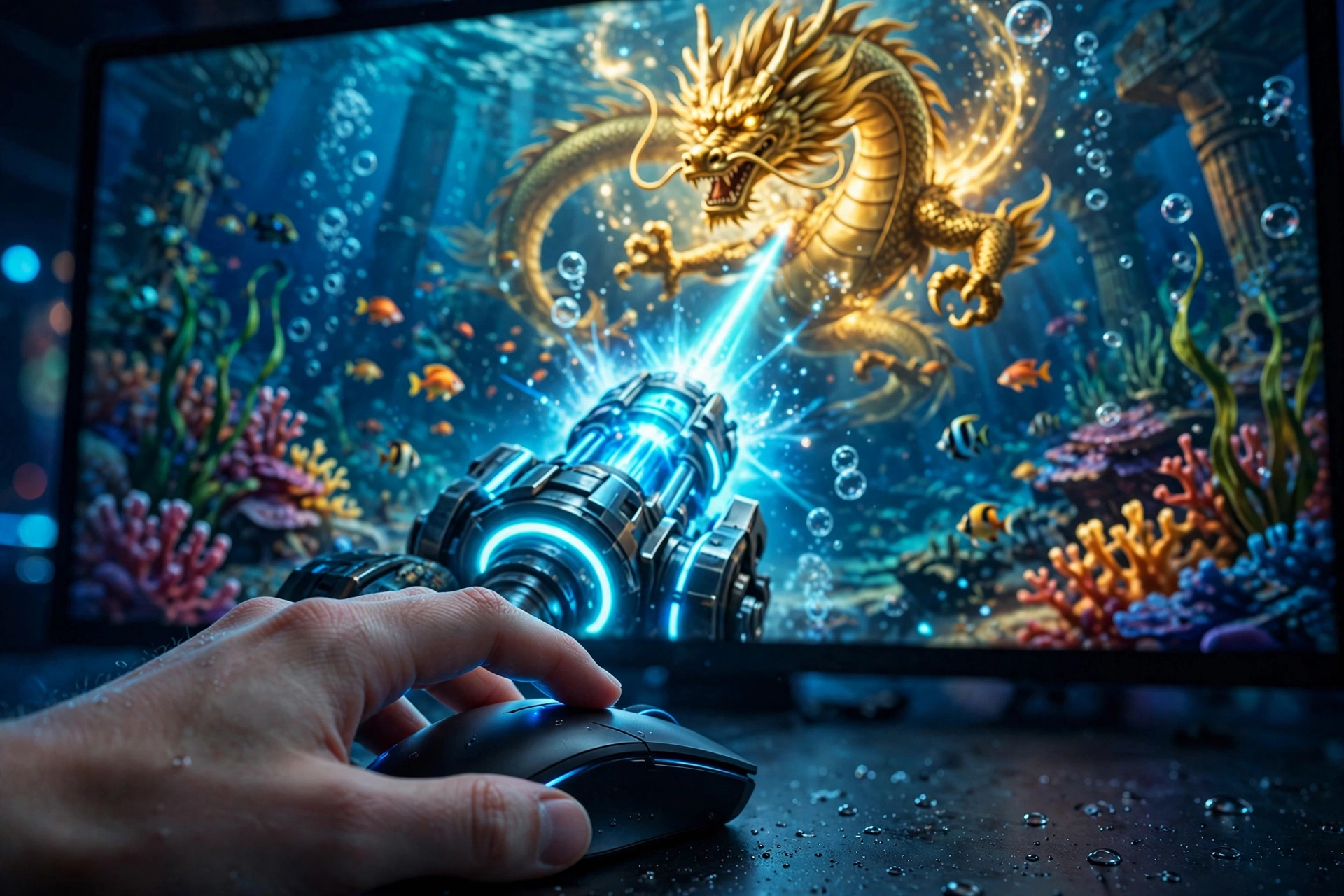
- Better aim. Clicking a mouse is more precise than tapping a phone screen, especially when you are leading a moving target. Our fish game tips guide has aiming advice that is much easier to apply with a mouse.
- Track boss fish. Bosses like the Golden Dragon cross the screen fast. A bigger display gives you more reaction time and a clearer shot at the multipliers that matter.
- Less eye strain. Long sessions are simply more comfortable on a monitor than hunched over a phone.
- Multitask easily. Keep the game on one side and our live chat on the other when you need help with a deposit or a question about your account.
Slots players benefit too. Titles like Classic 777 and Buffalo 777 look sharper on a big screen, and keno players appreciate seeing the full board at once in Super Keno and Mega Keno.
Setting up Orion Stars on Windows
Setup takes a few minutes:
- Open your browser and go to orionstar-online.com. Chrome or Edge works best on Windows.
- Message our live chat to create your account if you do not have one yet. A real person sets you up in minutes and verifies you are 21 or older. If you already play on your phone, just log in with your existing username and password.
- Log in and head to the lobby. Your balance is the same on PC and phone, because it is the same account.
- Go full screen by pressing F11 in your browser for the most immersive fish table view. Press F11 again to exit.
New accounts start with free credits, so you can test everything on PC before adding anything. Deposits through Zelle, Venmo, or Chime show up within minutes, and withdrawals usually land within 24 hours, exactly like on mobile.
Setting up on Mac
The process is identical on a Mac, just in Safari or Chrome instead. Open the site, log in, play. Safari on modern macOS handles the games smoothly, and Chrome is a solid alternative if you prefer it.
One Mac-specific tip: if you use Safari, make sure you are not in a Private window when you log in, or the browser may forget your session. A normal window keeps you logged in between sessions.
Getting the best performance
The games are designed to run well on ordinary computers, but a few settings make a difference:
- Use a current browser. An up-to-date Chrome, Edge, Firefox, or Safari runs the games noticeably better than an old version.
- Close heavy tabs. Video streams and dozens of open tabs eat the memory the games want. Give the game tab room to breathe.
- Use a stable connection. Fish games are live lobbies, so a wired connection or strong Wi-Fi beats a shaky signal. If the game stutters, your connection is the first thing to check.
- Try hardware acceleration. In Chrome and Edge it is on by default and helps the visuals run smoothly. If you turned it off at some point, turn it back on for gaming.
- Full screen for fish games. F11 on Windows, or the green full-screen button on Mac, gives you the biggest possible view of the table.
Mouse, keyboard, and controls
Fish games are point-and-click at heart, which is why they feel so natural on a PC. You aim with the mouse and click to fire, and switching cannon power is a click on the on-screen controls. There is no complicated keyboard setup to learn. If you can browse the web, you can play.
For blackjack and keno, the bigger screen mostly means comfort: larger cards, a clearer keno board, and no fat-finger mistakes when you are picking numbers or deciding to hit. Our blackjack guide and keno guide walk through the games themselves if you are new to them.
One account across all your devices
This is worth spelling out because players ask about it: your Orion Stars account is not tied to a device. Log in on your PC at home, pick up on your phone later, and your balance, bonuses, and daily rewards follow you. Start a session on the big screen, finish it on the couch. It is all the same account.
If you ever have login trouble switching between devices, usernames and passwords are case-sensitive, and our login fixes guide covers the rest.
Staying safe on PC
The same scam warnings that apply to phones apply to computers. Do not download any “Orion Stars PC client” from a third-party site. Do not install browser extensions a gaming site tells you to install. Never share your password with anyone; no real distributor or support agent will ever ask for it. And never send deposits to someone’s personal payment account.
Play on established sites with real contact info and a working support chat. If a deal looks too good to be true, run it by a legitimate live chat before you send anything. Our Orion Stars vs Panda Master comparison includes a copycat-site section that applies no matter which platform you play.
Frequently asked questions
Is there an official Orion Stars for PC download?
No, and you do not need one. Orion Stars runs in your browser on Windows and Mac with nothing to install. Any site offering a downloadable PC client should be treated with suspicion.
Will my phone account work on my computer?
Yes. Your account, balance, bonuses, and daily rewards are tied to your login, not your device. Use the same username and password on PC that you use on your phone.
Which browser is best for Orion Stars on PC?
Chrome and Edge on Windows, Safari or Chrome on Mac. Any current version of a major browser works well. Just keep it updated.
Do I get the same free credits and promo codes on PC?
Yes. Bonuses are account-based, not device-based. New accounts get free credits through our live chat, and promo codes work in the browser on PC. Promo codes change often, so ask our chat for the current ones. Our promo code guide has the details.
Can I play fish games well with just a mouse?
Absolutely. Fish games are point-and-click by design, and many of our best fish players prefer the mouse for its precision. See our fish game tips to make the most of it.
